Why Brand Abuse Starts With a Domain Registration
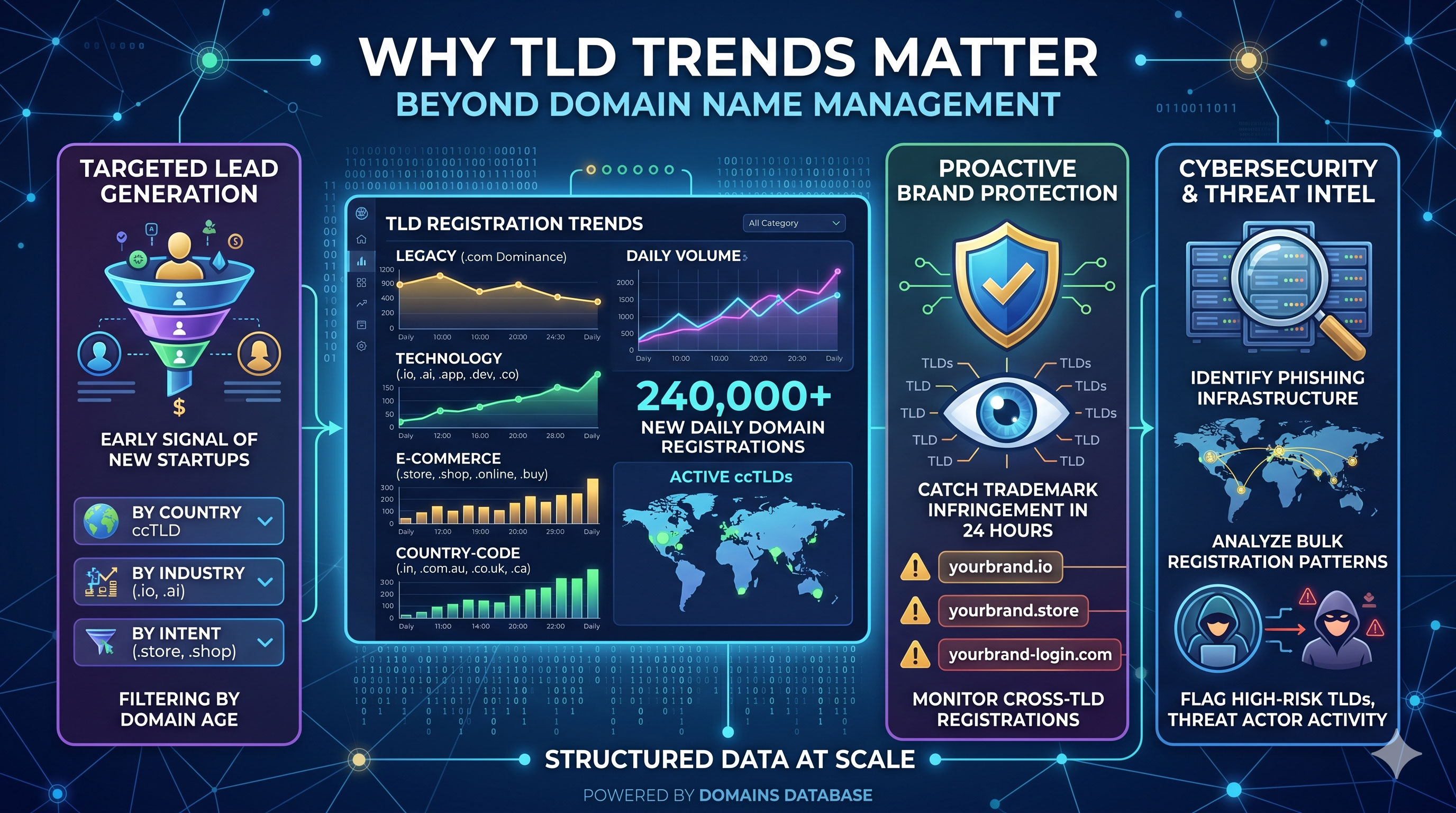
Most brand protection incidents follow the same sequence. Someone registers a domain that contains your company name, a common misspelling, or a product keyword. They configure DNS, build a landing page, and start sending phishing emails or running ads. By the time a customer reports the problem, the site has been live for days.
The registration itself is the earliest signal. It happens before infrastructure is set up, before content is published, and before anyone clicks a malicious link. If you catch the registration on the day it occurs, you have a head start on takedown action.
Common abuse patterns include:
- Typosquatting - domains like
yourbrnad.comoryourbrand-login.comthat exploit common typing errors - Homoglyph variants - domains using visually similar characters (Latin
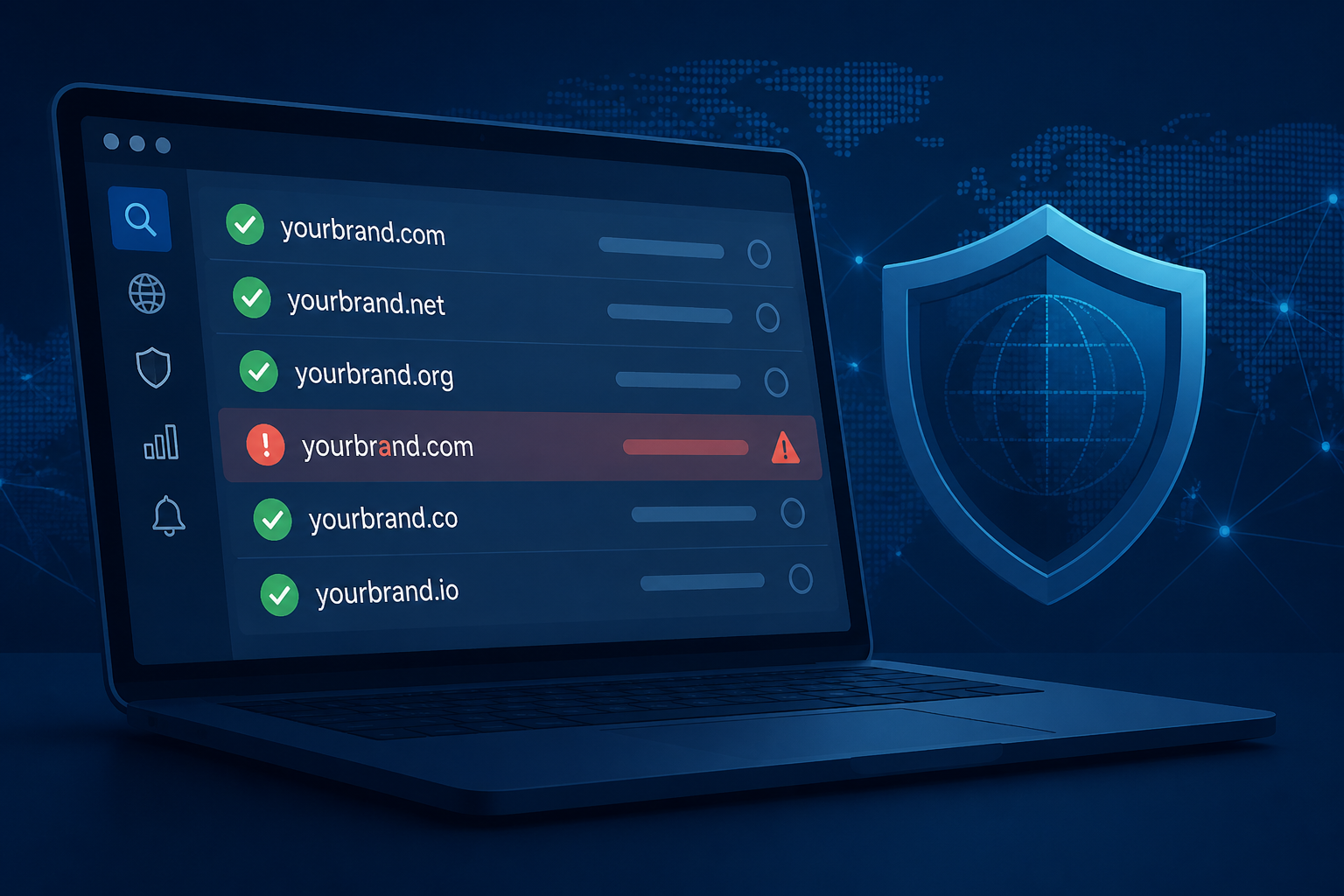
avs Cyrillicа) to mimic your brand - Lookalike TLDs - the same brand name registered on
.net,.io,.shop, or country-code extensions you do not own - Keyword combinations - domains pairing your brand with words like
support,verify,secure, orofficial
Brand abuse is not limited to .com. It happens across hundreds of extensions. Monitoring a single TLD is not enough.
What Daily Domain Monitoring Actually Looks Like
WhoisExtractor delivers a complete list of newly registered domains every day through the Domains Database daily feed. The file covers 240,000+ new registrations per day across 1,601 TLDs, including all major generic TLDs, new gTLDs, and country-code TLDs. See the full Domains Database overview for all available feeds.
Each record in the daily CSV includes:
- Domain name
- TLD / extension
- Registration date
- Registrar name
- Nameservers (where published)
The file is delivered as a zipped CSV, updated by 6:00 AM IST, covering registrations from the previous 24 hours. For brand monitoring, the workflow is simple: download the file, filter for your brand keywords, and review matches.
The full brand monitoring use case page walks through how teams apply this data in practice.
Building a Keyword Filter Workflow
You do not need a complex platform to start monitoring. A daily script that downloads the feed and filters for your brand terms is enough for most organisations.
Here is a basic Python example:
import csv

BRAND_KEYWORDS = ["yourbrand", "your-brand", "yourbrnad", "yourbrand-support"]

with open("domains-2026-07-28.csv") as f:
    for row in csv.DictReader(f):
        domain = row["domain"].lower()
        if any(kw in domain for kw in BRAND_KEYWORDS):
            print(row["domain"], row["registration_date"], row["registrar"])
Replace BRAND_KEYWORDS with your actual brand name, product names, and common misspellings. Include hyphenated and non-hyphenated variants. For larger brands, also filter for individual product lines and campaign names.
Set this up as a daily cron job. When matches appear, send an email or Slack notification to your security or legal team. The API supports fetching up to 4 days back, so you can recover from a missed run without losing data.
Investigating Suspicious Registrations
Finding a matching domain is step one. Step two is understanding who registered it and whether it poses a real threat.
WHOIS lookup for individual domains: The free WHOIS Lookup Tool returns the current registration record for any domain - registrar, creation date, nameservers, and registrant details where publicly available. No account required.
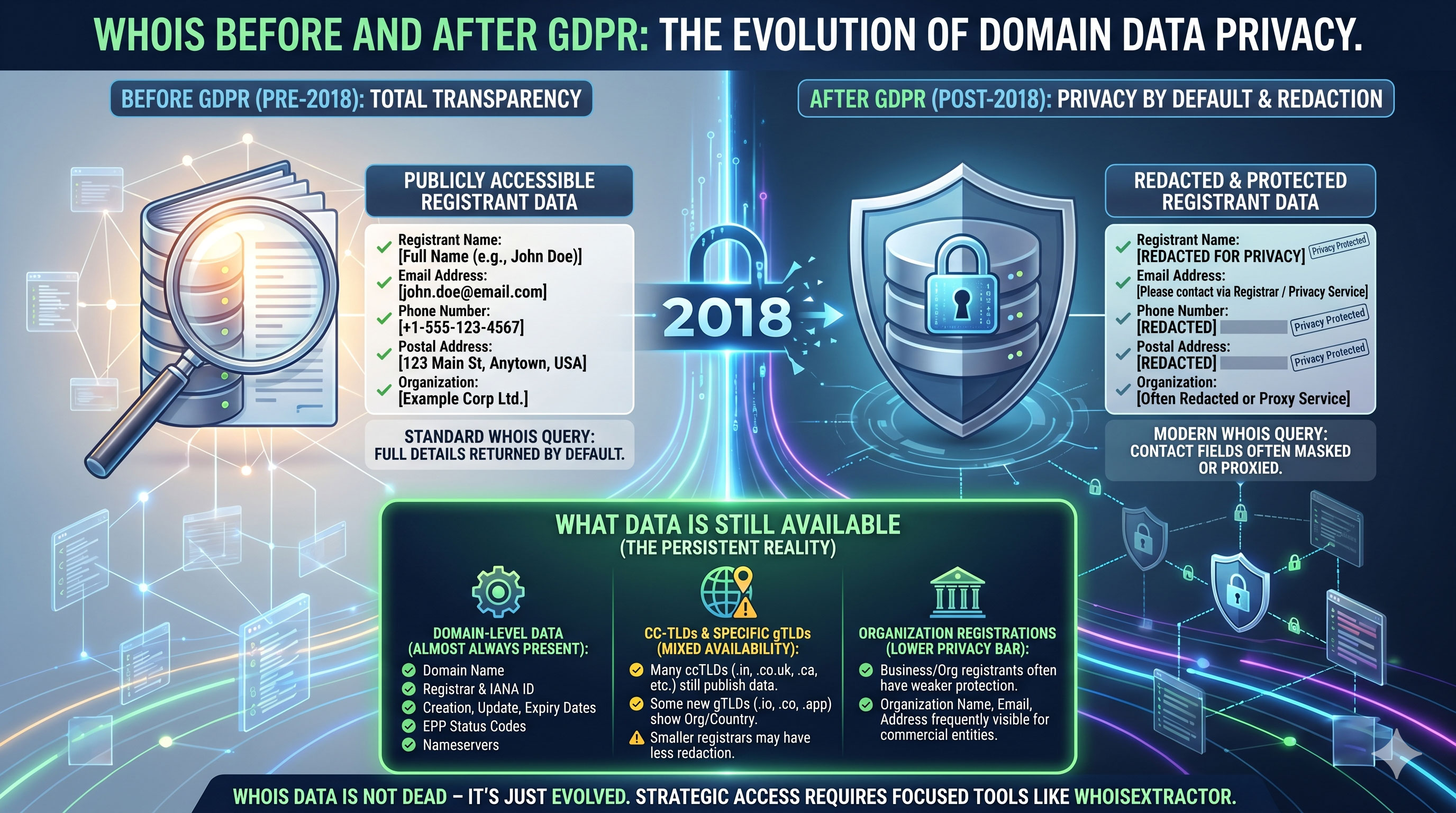
Bulk WHOIS for pattern analysis: The WHOIS Database provides structured registrant data across millions of domains. The Daily Full WHOIS feed is updated every 24 hours with newly registered domains and updated records, including registrant name, email, phone, and organisation where published. For bulk API access, see the WHOIS API documentation.
When reviewing a suspicious registration, look for:
- Registrant email domains that do not match the claimed brand
- Recently created registrant accounts with no history
- Nameservers pointing at known bulletproof hosting providers
- Multiple brand-keyword domains registered by the same registrant on the same day
These patterns help distinguish a legitimate business registering a similar name from an intentional impersonation attempt.
Automating With the API
Manual daily downloads work for small teams. Larger organisations with multiple brands to protect need automated ingestion.
The Domains Database daily API pulls the day's file with a single scheduled request:
curl "https://get.whoisextractor.com/?api=YOUR_API_KEY&pid=10" \
  --output domains-$(date +%Y-%m-%d).zip
For teams focused specifically on newly registered domains across all TLDs, the Newly Registered Domains API product page covers plans and delivery options. Endpoint details, product IDs, and code examples are on the Newly Registered Domains API docs and in Getting Started with the API.
A typical automated pipeline:
- Cron job downloads the daily CSV at 7:00 AM
- Script filters for brand keywords across all configured terms
- Matches are pushed to a review queue (email, Slack, or ticketing system)
- Analysts investigate flagged domains using WHOIS and DNS tools
- Confirmed abuse cases are escalated to legal or registrar takedown
DNS and Infrastructure Checks
A suspicious domain registration does not always mean an active threat. Some registrations are defensive (a competitor registering a lookalike to block you) or coincidental (an unrelated business with a similar name).
Checking DNS configuration helps assess intent. The free DNS Health Checkup Tool audits any domain's DNS in seconds:
- MX records - Is email infrastructure configured? A domain with MX and SPF records set up shortly after registration is a stronger phishing signal than a parked domain.
- SPF and DMARC - Has the registrant configured email authentication? Active email setup on a brand-keyword domain warrants immediate review.
- A / AAAA records - Does the domain resolve to a live website?
Run the DNS check on any flagged domain before escalating. A registration with no DNS configuration may be worth monitoring but is lower priority than one with active email and web infrastructure.
For teams monitoring DNS changes across a large domain portfolio, the Daily Full WHOIS Database includes nameserver records for all domains in the dataset, allowing nameserver distribution analysis at scale. For threat-focused workflows, see the cybersecurity use case.
When to Escalate
Not every brand-keyword match requires legal action. Develop a tiered response:
Monitor only - Domain registered but no DNS, no website, no email activity. Add to a watch list and recheck in 48 hours.
Registrar contact - Clear impersonation attempt with active infrastructure. Contact the registrar's abuse team with evidence: WHOIS record, DNS configuration, screenshots of any live content.
UDRP proceedings - For domains that clearly infringe a registered trademark and the registrant has no legitimate claim. WHOIS registrant data from the WHOIS Database provides the evidence package: registration date, registrant details, and nameserver history.
Internal alert - If the domain is being used in active phishing campaigns targeting your customers, issue a customer advisory and report to relevant authorities.
Document every flagged domain with its WHOIS record at the time of detection. Registration details can change after a takedown request is filed.
Getting Started
Brand monitoring does not require an enterprise contract to begin. Start with the daily domain feed, a keyword filter script, and the free WHOIS and DNS tools for investigation.
For automated daily delivery and API access, view plans on the pricing page. The Domains Database daily API and WHOIS Database are available individually or as part of a bundle.
Create an account to access database downloads and API keys. For questions about volume, multi-brand monitoring, or integration with existing security tools, contact the team or open a support ticket.